
The Hidden Anxiety of a Disconnected House
Ever walked into your house with hands full of heavy grocery bags, fumbling in the dark for a light switch, and thought, "Why isn't my house doing this for me?" You aren't alone. Building a smart home sounds intimidating, like you need an IT degree just to get a lamp to turn on. But honestly? It’s a lot easier than you think. Let's skip the complicated tech jargon and look at how you can actually make your house work for you, step by step, without pulling your hair out.
Just a few weeks after that messy night, I honestly wanted to give up on the whole smart home idea completely. I felt so lost staring at store shelves full of expensive gadgets, and I kept worrying that I was simply not tech-savvy enough to make it work. But once I learned a few basic tricks, everything finally clicked, and I was able to build the relaxing, automated home I had always dreamed of.
You might wake up in a panic, wondering if you left the coffee maker on or the iron plugged in. These small daily worries quietly drain our mental energy and steal our peace of mind.
Many people buy random smart gadgets hoping to fix this problem, only to end up with a chaotic mess. Having ten different apps on your phone to control ten different light bulbs is not convenience.
It is actually a modern nightmare that makes you want to throw your smartphone out the window. This disconnected reality leaves beginners feeling overwhelmed, confused, and terrified of being hacked.
But what if you could simply speak to your room, and it instantly responds to your commands? Imagine walking in the door, saying "I am home," and watching the lights brighten, the thermostat adjust, and your favorite music start playing.
This is not a scene from a science fiction movie. It is a completely achievable reality that you can set up yourself, even if you are not a technical genius.
The secret lies in building a unified system that connects everything seamlessly. You just need the right roadmap to guide you through the noise.
The 60-Second Smart Setup Summary
- Pick one boss: Choose Alexa, Google, or Apple as your main app and stick to it so things don't get messy.
- Lock the digital door: Change your default router password and make a separate guest Wi-Fi network just for your gadgets.
- Start stupidly small: Buy just two smart bulbs to test the waters before trying to wire up your whole house.
- Don't touch the switch: Use cheap plastic covers over your physical wall switches so nobody accidentally turns off power to your smart bulbs.
Your Action Plan for a Brilliant, Hacker-Proof Home
Setting up a brilliant living space does not mean you have to wire your entire house from scratch or spend a fortune. It simply means choosing the right devices that communicate with each other safely and effectively.
We are going to break down this process into highly practical, easy-to-follow actions that you can start applying right now. Let us turn that frustrating house into a responsive, secure haven.
Choosing Your Digital Brain (The Central Hub)
Every brilliant system needs a brain to process information and give commands. In the smart gadget world, this brain is known as your central hub or voice assistant.
If you just buy random devices without a central brain, they will not be able to talk to each other. This is the biggest mistake beginners make.
You basically have three major players to choose from: Amazon Alexa, Google Assistant, or Apple HomeKit. Your choice should depend entirely on what smartphone or ecosystem you already use the most.
If you are an absolute beginner, Amazon Alexa is incredibly user-friendly and works with almost every gadget on the market. Google Assistant is fantastic if you rely heavily on Google Calendar, Android phones, and want the smartest answers to voice questions.
Apple HomeKit is the go-to choice if your entire family uses iPhones, offering incredibly strict privacy standards. You only need to pick one, and stick with it to keep things simple.
Quick Cheat Sheet: Which Hub Actually Fits You?
- Got iPhones and care deeply about privacy? Go with Apple HomeKit. It keeps most of your data inside your house, not on the internet.
- Want a cheap entry point and buy lots of random gadgets? Amazon Alexa is your best friend. It practically works with everything on the market.
- Love asking random trivia questions and use Google services? Grab a Google Assistant. It handles daily schedule questions much better.
Myth vs Reality: The Hub Setup
- The Myth: You need a giant, ugly computer server humming in your closet to run a smart house.
- The Reality: Your "hub" is usually just a tiny, elegant speaker on your kitchen counter, like an Echo Dot or a Google Nest Mini. It takes about five minutes to plug into the wall.
Securing the Invisible Front Door (Network Safety)
Before you add a single intelligent gadget to your living space, we need to have a serious conversation about your internet router. Your Wi-Fi network is the invisible front door to your house.
If you leave this digital door unlocked, anyone can walk right in and take control of your cameras or locks. We must build a fortress around your network first.
Most internet providers give you a basic router with a default password printed on a sticker on the back. You absolutely must change this password immediately.
Create a highly complex password using a mix of letters, numbers, and symbols. If it is easy for you to remember, it is easy for a hacker to guess.
Next, you need to create a separate "Guest Network" specifically for your IoT (Internet of Things) devices. Almost all modern routers allow you to create a second Wi-Fi network with just a few clicks in the settings app.
Connect all your light bulbs, plugs, and cameras to this secondary network. This way, if a cheap smart bulb gets compromised, the hackers cannot access your main network where your personal laptop and banking details live.
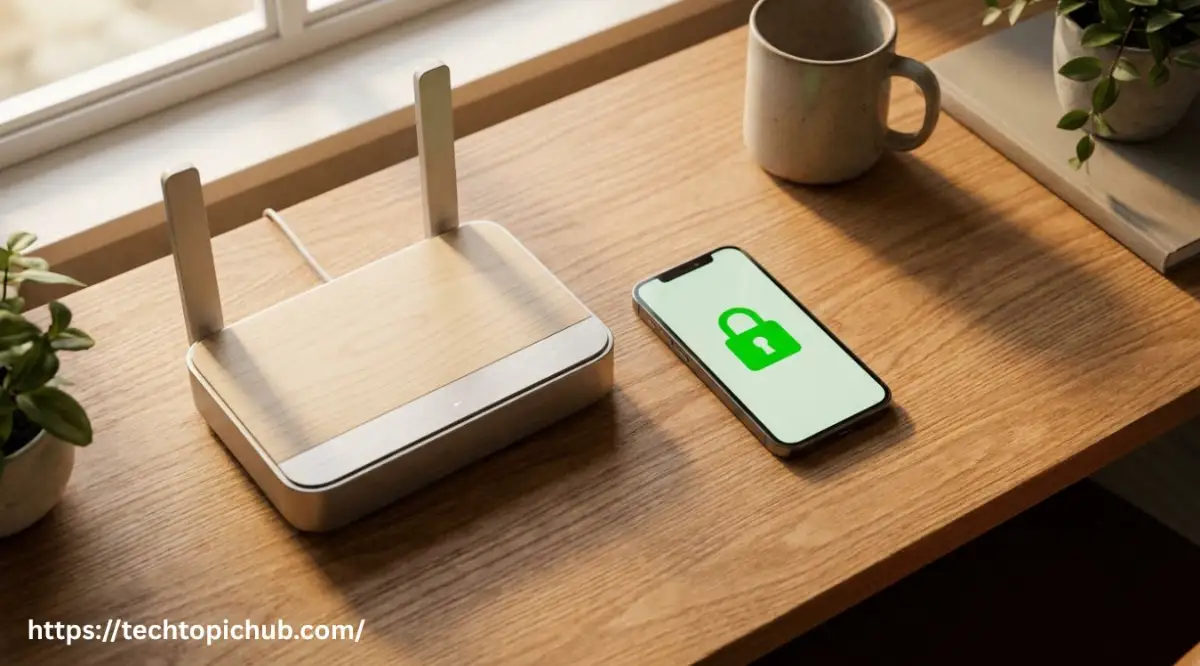
Here is an excellent resource to help you understand exactly how this router separation works.
Before you buy a single smart bulb or camera, please take just a few minutes to watch this incredibly helpful video on securing your home router. Trust me, locking your digital front door will save you from massive privacy headaches later, so watch the simple steps below and then keep reading to find out which gadgets you should buy first!
Starting Small: The High-Impact Beginner Gadgets
When people decide to upgrade their living space, they often try to buy everything at once. They buy automated blinds, complex security cameras, and intelligent refrigerators on day one.
This is a guaranteed recipe for massive frustration and wasted money. You need to start small, build your confidence, and expand slowly.
The best place to begin is with intelligent lighting. Pick up a two-pack of smart LED bulbs from a reputable brand like Philips Hue or WiZ.
Screw them into your most-used lamps, connect them to your central hub, and experiment with the voice controls. The magic of asking your room to dim the lights to twenty percent while watching a movie will instantly hook you.
I actually made a huge mistake when I first started my own setup. I bought a bunch of cheap, no-name smart plugs from an online discount store to save a few dollars. Half of them constantly disconnected from the Wi-Fi, and the other half had terrible apps that barely worked. Pro Tip: I learned the hard way that spending just five extra dollars on a trusted brand like TP-Link Kasa or Wyze saves hours of troubleshooting and hair-pulling later. Always invest in reliable brands for your foundational devices.
Once you master lighting, move on to smart plugs. These brilliant little adapters plug into your regular wall outlets, turning any "dumb" appliance into a genius device.
You can connect your basic coffee maker, a box fan, or your holiday decorations. Suddenly, you can turn them on and off with a simple voice command or schedule them on your phone.
The Magic of Automation Routines
Having voice control is fun, but the true power of a connected ecosystem lies in automation routines. Routines allow you to trigger multiple actions with a single phrase or event.
This is where your house stops being just a collection of gadgets and becomes a helpful personal assistant. You set it up once, and it works for you automatically every single day.
Let us look at a highly practical example: The "Goodnight" routine.
Instead of walking around turning off five different lamps and checking the door lock, you create a rule in your app. You tell your central hub that when you say, "Goodnight," a specific chain of events should happen.
The system will automatically lock the front door, turn off all the living room lights, lower the thermostat for comfortable sleeping, and turn on a soft bedside lamp.
You can even set it to play calming white noise from your bedroom speaker. All of this happens instantly from one simple voice command while you are comfortably laying in bed.
Adding Eyes and Ears (Smart Security Integration)
Once your lights and plugs are working perfectly, it is time to address that lingering anxiety about home security. A secure ecosystem provides unparalleled peace of mind when you are at the office or traveling.
You can physically see what is happening in your living space at any given moment directly from your smartphone screen.
Start with a video doorbell. This is arguably the most useful security device you can own.
It allows you to see, hear, and speak to whoever is standing on your porch, whether it is a delivery driver or an uninvited guest. You get instant alerts on your phone the second motion is detected, preventing package theft before it even happens.
When choosing indoor cameras, privacy should be your absolute top priority. Look for cameras that offer physical privacy shutters that cover the lens when you are home.
Many high-quality indoor cameras can be programmed to turn off completely when your phone connects to your home Wi-Fi. This ensures you are never being recorded while you are simply relaxing in your own living room.
A Quick Comparison: Cloud Storage vs Local Storage
As you add these security devices, you must turn on Two-Factor Authentication (2FA) for every single application. This means that even if a hacker guesses your password, they cannot log into your camera app without a special code sent directly to your mobile phone text messages.
Skipping 2FA is like buying a heavy-duty steel door and leaving the key sitting right underneath the welcome mat. Always protect your accounts with this secondary verification step.
By following these initial steps, you have successfully laid down a rock-solid, highly secure foundation. You have chosen a reliable brain for the operation, locked down your internet network, and introduced your first few devices safely.
You are no longer wandering in the dark or worrying about unlocked doors. However, building the ultimate responsive environment requires a deeper understanding of how these gadgets communicate behind the walls.
Unlocking the True Potential of Your Connected Space
Now that we have successfully secured your digital front door and set up your foundational devices, it is time to look at the bigger picture. Most beginners stop at buying a few smart bulbs and completely miss out on the true magic of home automation. You do not just want to replace a physical light switch with a smartphone app.
That is actually more work, not less. The ultimate goal is to create a living space that anticipates your daily needs before you even have to ask.
To achieve this level of comfort, you need to think beyond basic voice commands. We are going to explore some highly effective strategies that industry experts use to make their systems flawless.
These practical secrets will completely change how you interact with your house on a daily basis. Let us turn your basic setup into a highly responsive, customized environment.
The Invisible Backbone: Perfecting Your Network Coverage
You can buy the most expensive intelligent gadgets on the market, but they will become completely useless if your Wi-Fi signal is weak. Think of your Wi-Fi router like a water pump for your house. If the pressure is too low, the water will never reach the upstairs bathroom.
Similarly, if your router is hidden in a basement closet, your outdoor security cameras will constantly disconnect and freeze.
To fix this common headache, I highly recommend upgrading to a Mesh Wi-Fi system. Unlike traditional routers that broadcast from one single point, a mesh system uses multiple small hubs placed throughout your house.
They work together to blanket your entire property in a strong, unbroken signal. This ensures that every single smart plug, speaker, and camera stays instantly responsive at all times.
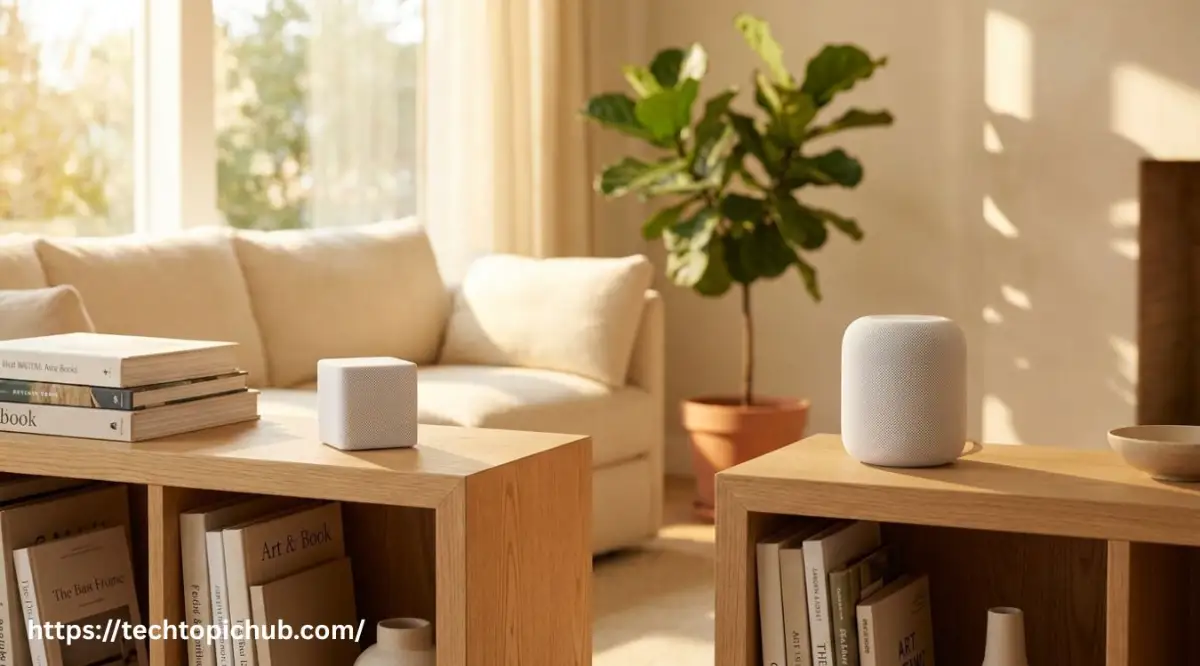
If you want to understand exactly how to place these devices for maximum speed, you can easily review the Federal Communications Commission's guide on optimizing home networks. Proper placement is half the battle when setting up a reliable system.
Moving Beyond Voice: The Magic of Automating with Sensors
Talking to your house is incredibly fun for the first few weeks. However, eventually, you will get tired of saying "turn on the kitchen lights" every single time you want a glass of water.
This is where inexpensive motion and contact sensors come into play. These tiny, battery-powered devices are the secret weapon of any advanced smart home enthusiast.
You can stick a small motion sensor under your bathroom cabinet. Then, program your central hub so that if it detects movement after midnight, it only turns the lights on at a dim ten percent brightness.
This prevents you from being blinded by bright lights during a late-night bathroom trip, helping you fall right back to sleep. You can also place a contact sensor on your front door.
When the door opens during the day, the system can automatically turn off the air conditioning to save electricity. Lowering your daily utility bills is a fantastic way to free up extra cash, especially when you are actively trying to build a solid emergency fund without ignoring your debt. Smart homes should save you money, not just cost you money.
Mastering Energy Efficiency and Daily Routines
Your connected devices can act as a personal energy auditor for your entire property. Many modern smart plugs come with built-in energy monitoring features right in their apps.
This means you can plug your oldest appliances into them and see exactly how much power they are secretly draining while turned off. Finding these "vampire devices" can significantly lower your monthly expenses.
Another amazing way to manage energy is through an automated smart thermostat. These brilliant devices learn your daily schedule and automatically adjust the temperature when you leave for work.
According to reports from the U.S. Department of Energy on programmable thermostats, optimizing your heating and cooling schedul